
Your saves, already grouped.
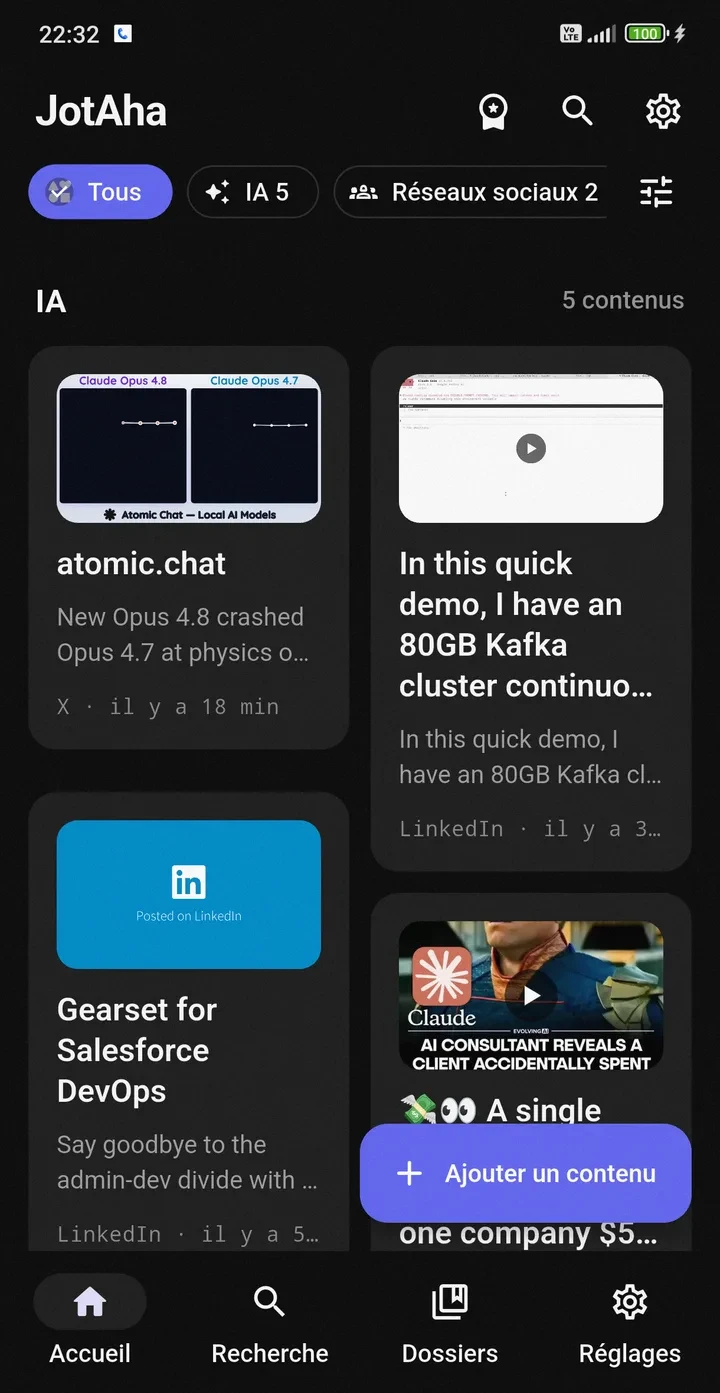
Browse a visual library grouped by categories. Filter by AI, social sources, format and more without turning every save into a filing task.
- Category sections
- Source and format filters
- Rich preview cards
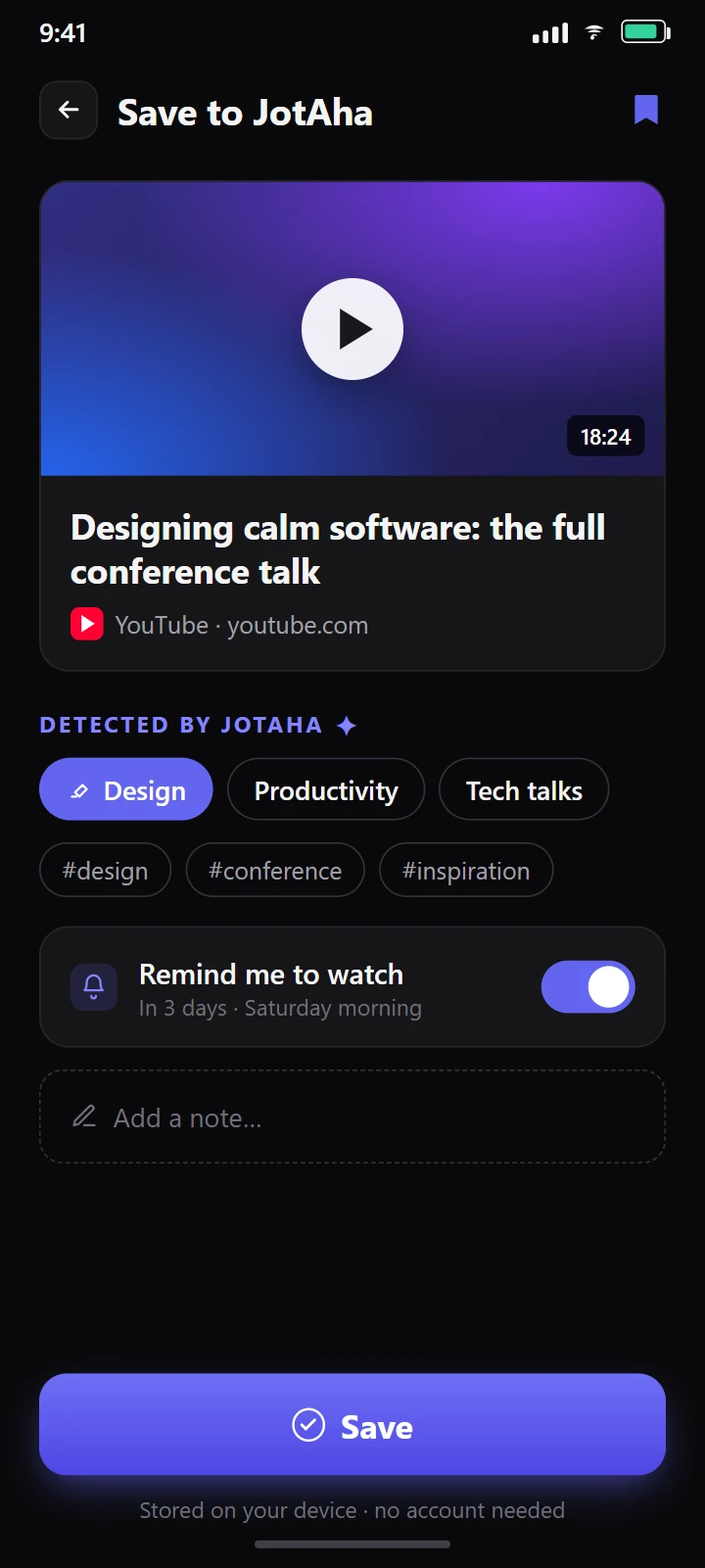
Share any link, text or image to JotAha. It’s sorted into one of 21 categories on your device — so weeks later, what you saved is still one search away. No account, works offline.
Works with your browser, YouTube, Instagram, X, Reddit, TikTok, Spotify, LinkedIn, Medium, GitHub — and anything else with a Share button.
A walkthrough of JotAha: capture, your organised library, smart search, item detail and collections.
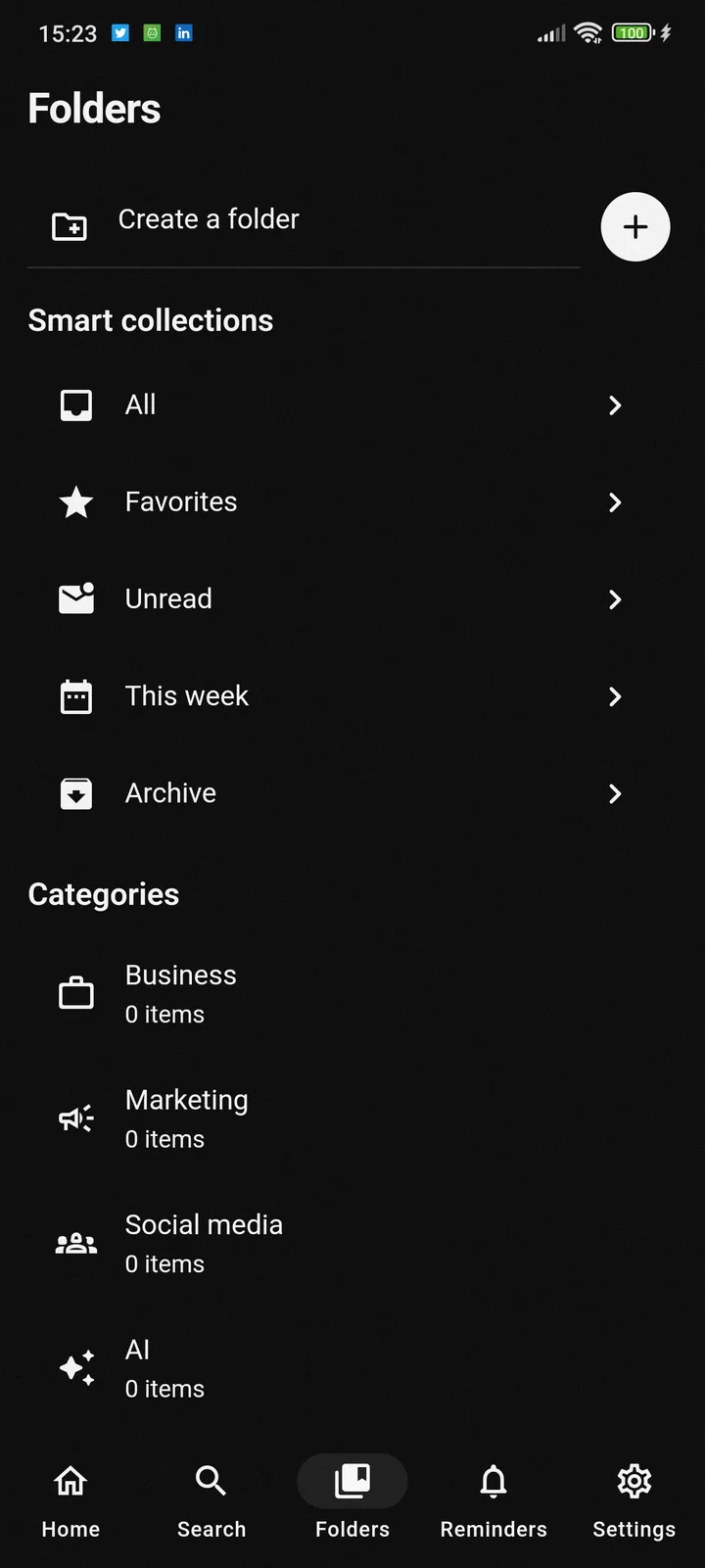
Browse a visual library grouped by categories. Filter by AI, social sources, format and more without turning every save into a filing task.
You share, JotAha files it — categories and tags suggested for you. Adjust only where it helps.
One share · links, text and images
Tap Share, pick JotAha, done — links, notes and images land in your library while you keep scrolling.
Learn more21 categories · suggested tags · on-device
Everything you save is sorted into one of 21 categories and tagged for you — on your device, never a filing session again.
Learn moreTitles · images · descriptions · source context
No more wall of blue links — every URL becomes a card you actually recognise, with its title, image and source.
Learn moreKeywords · smart matching · filters
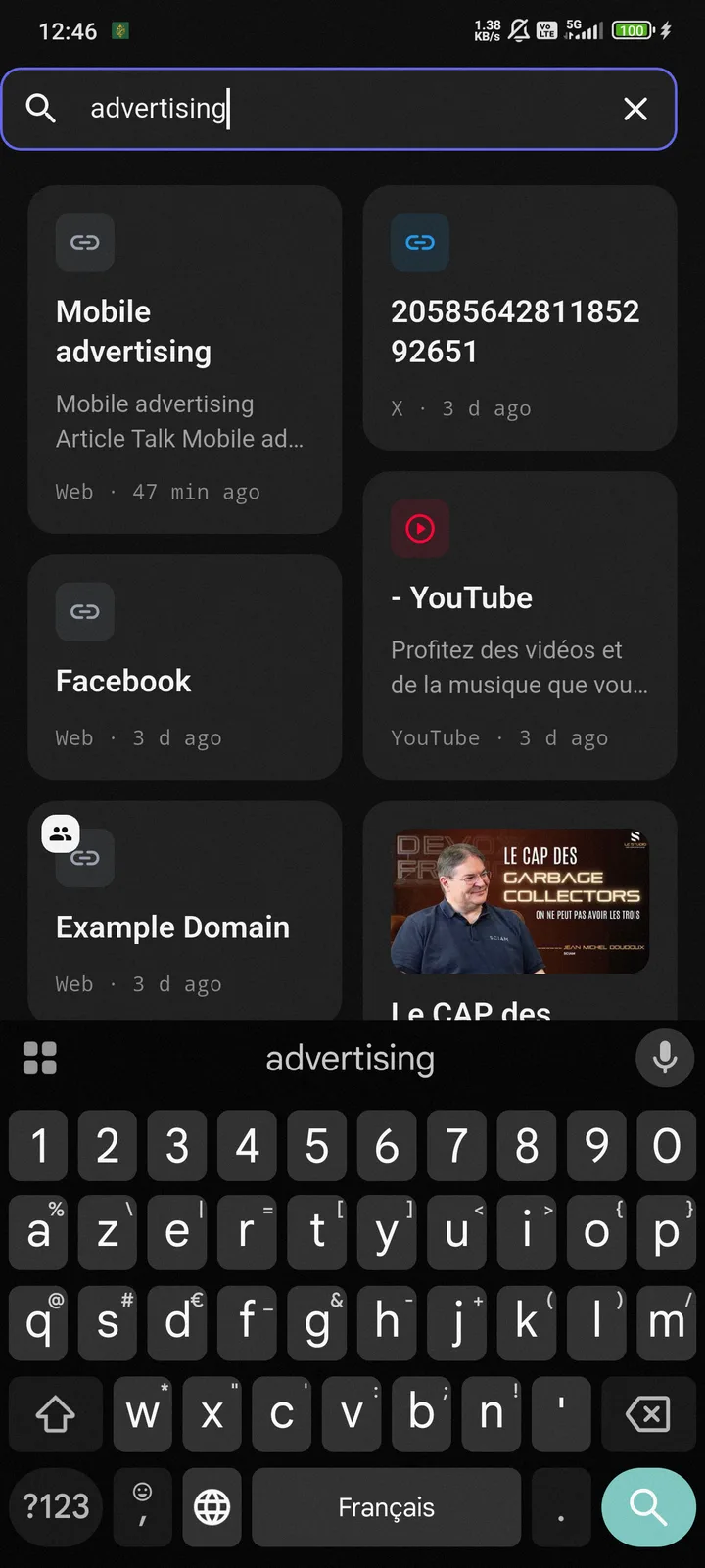
Search by what you half-remember — a word, a source, roughly when — and JotAha finds it across titles, notes, tags and summaries.
Learn moreYour structure, on top of automatic filing
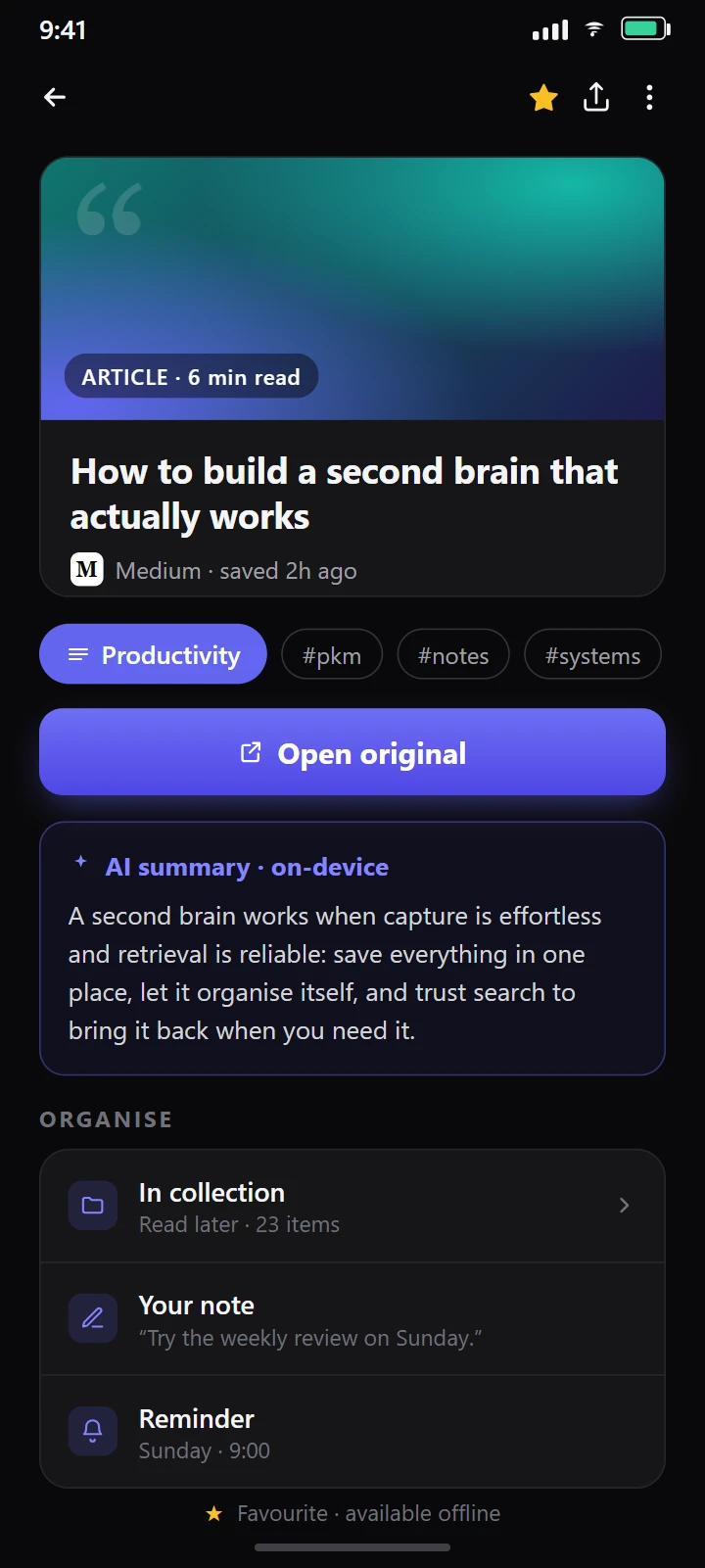
Add your own folders, favourites and notes on top — the automatic sorting stays underneath, so nothing gets messy.
Learn morePer-item reminders · unread links · local notifications
Set a reminder as you save, and JotAha nudges you back before that link vanishes into the backlog.
Learn more The moment you save, JotAha reads the source, format and topic and files it into one of 21 categories — on your phone, never on a server. You always get the last word.
Type a word, a platform, or “videos from April”: JotAha searches titles, notes, tags and summaries — and finds it even offline.
With JotAha Pro, invite the people you choose into a collection — a reading list for the family, a watch-folder for the team. Only invited people can see it, never the public. Everything else keeps working free, with no account.
No account, no sign-up: you save, organise and search the moment you install. Sync and on-device AI turn on only when you choose.
Save, organise and search on the train, with no signal — your library is on the device.
Use lightweight local classification or install the optional on-device model.
Create an account only when you want Pro sync or private collection sharing.
Install JotAha free on Android: every link you share files itself and stays findable. No account, works offline.
Android · Offline · No account · 21 categories